Concurrent Story Editing helps prevent multiple users from editing the same story at the same time.
How to Enable
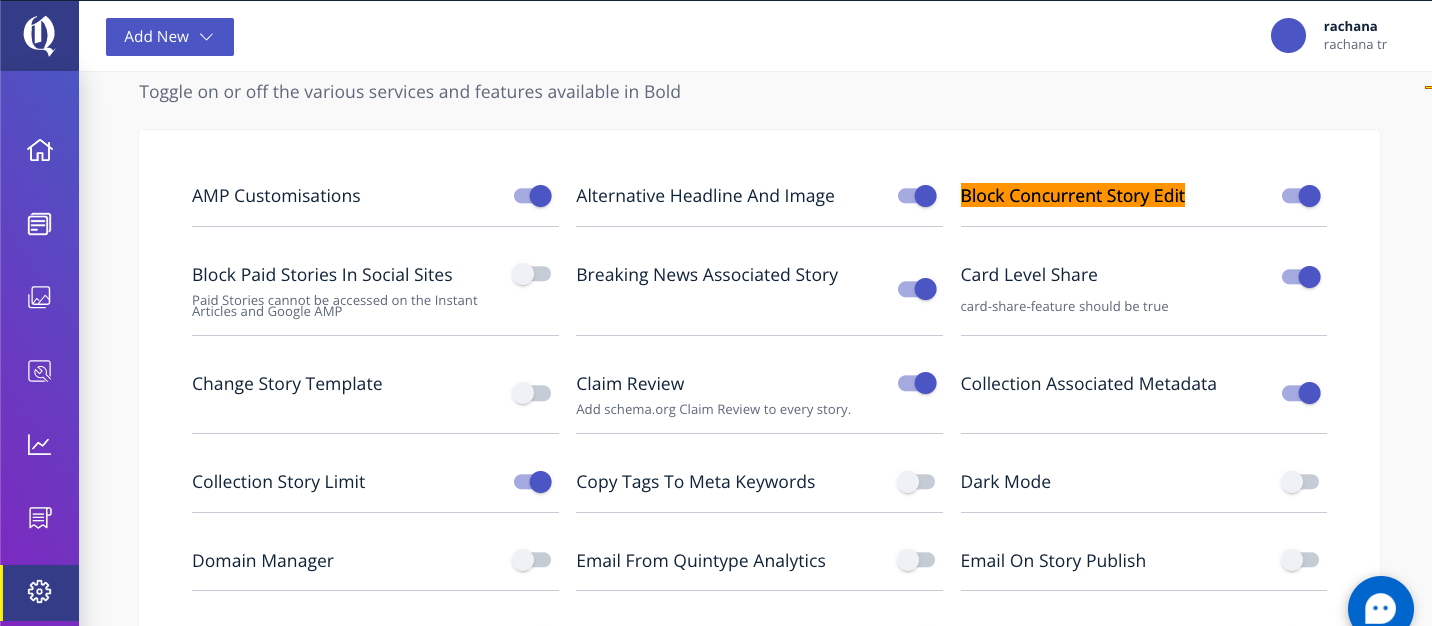
- Navigate to Settings.
- Go to Configure.
- Under Features, enable Block Concurrent Story Edit.
- Save the changes
.
How It Works
Once enabled, only one user can edit a story at a time. When a user opens a story, they can click Edit Now to start editing.

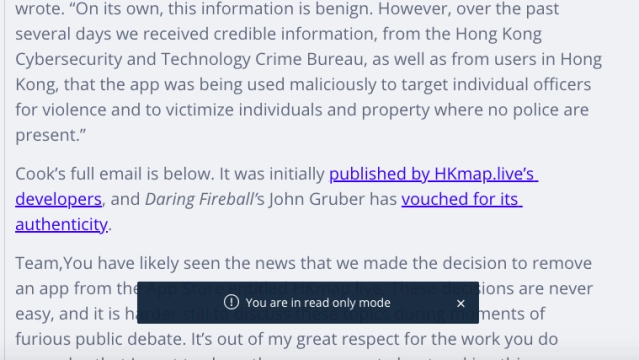
If any other user opens the same story, they will see a notification in the header indicating who is currently editing the story.
- While the story is being edited by another user, it remains unavailable for editing by others.
- After completing the changes, the editor can save the story and click Stop Editing to release the lock.
- Other users can then click Edit Now and continue working on the story.
This feature helps avoid conflicting changes and ensures a smooth editorial workflow when multiple users access the same story
Story Read-Only mode
The Read-only mode in the story editor now allows you to view a story when someone else is editing it.