Page-Builder Release Note - 4th Jan 2024
New Sign in/Sign up flow
Prior to the update: Previously, subscribers encountered two distinct options, Sign In and Sign Up, upon clicking the Sign In button. The Sign-in option facilitated logging into the front-end account to access content, whereas the Sign-Up option allowed the creation of a new front-end account.
Successful login necessitated the entry of both email address and password; without these details, signing in was not possible. Additionally, when creating a new account, email verification was a mandatory step, requiring confirmation via a verification link.
Following the update: In the updated Sign In Flow, subscribers now have the flexibility to sign up for a front-end account using either their email address or mobile number. In both scenarios, we have implemented OTP (One-Time Password) verification as a security measure, replacing the previous verification link method.
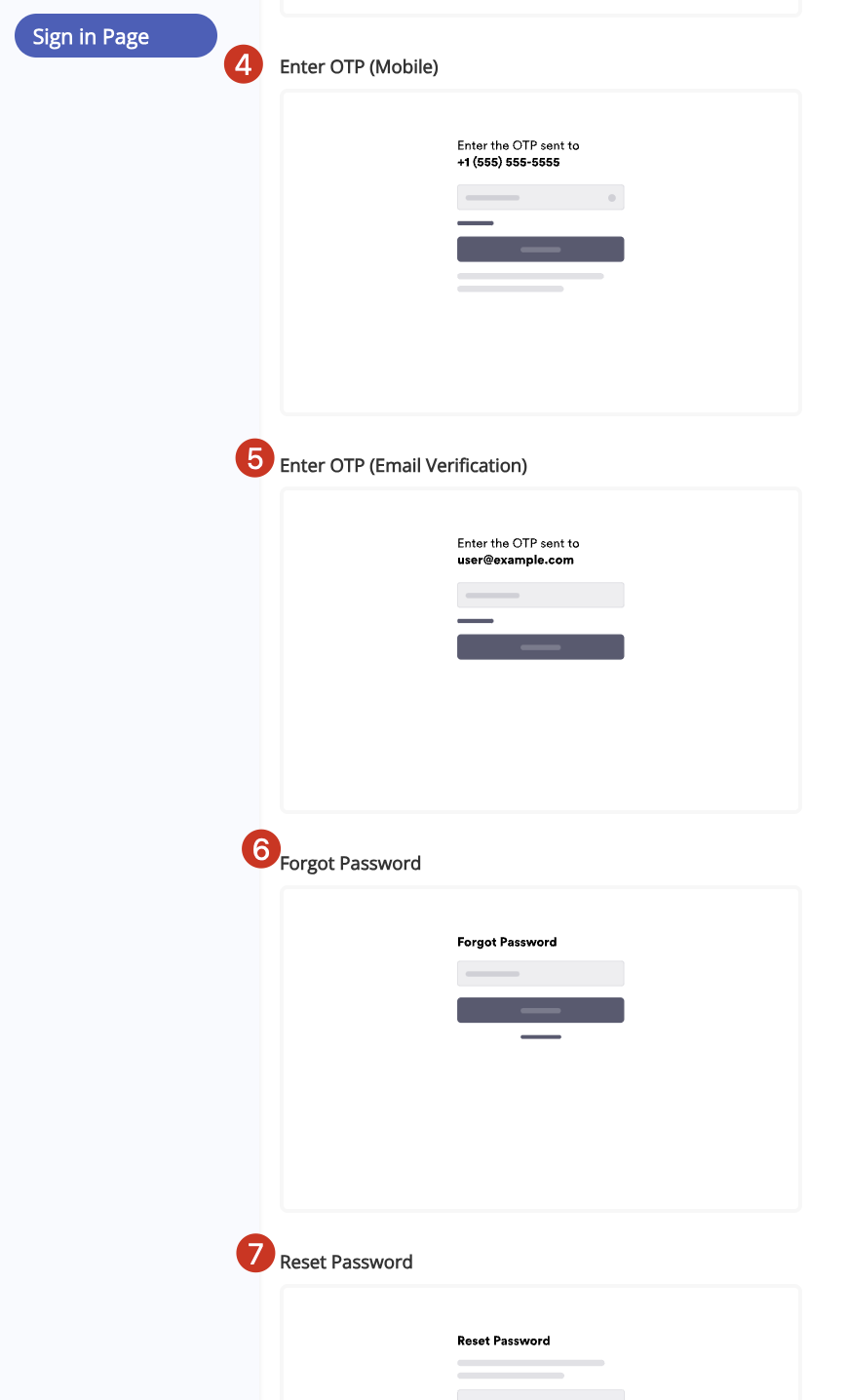
Upon clicking the Sign In button, subscribers will be prompted to enter their email address or mobile number. If an account is associated with the provided information, the next screen will prompt for the password. If no associated account is found, users will be guided to create a password and proceed with OTP verification.
The Forgot Password flow remains unchanged, triggering an OTP to the registered email or mobile number upon selecting "Forgot your password."
As an added feature, we have introduced a Sign In Page layout in the Page Builder. This empowers you with complete control over customization aspects such as display text, button text, and more for the Sign In, Sign Up, or Forgot Password pages.
Here’s the sample screenshot for reference:
1. Sign In Landing Page

2. Customization of Sign-in/Sign-Up Page